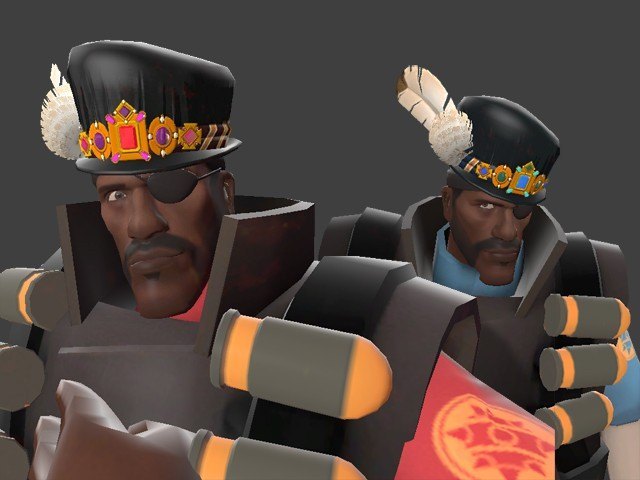
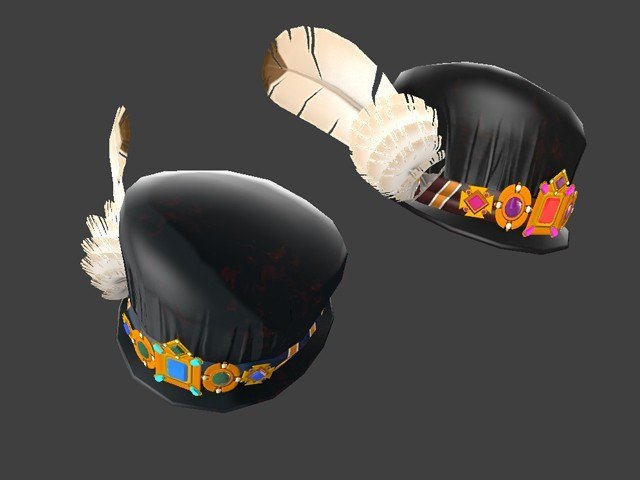
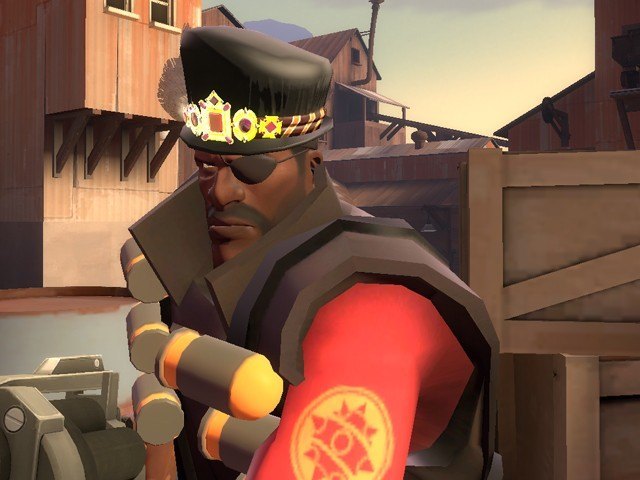
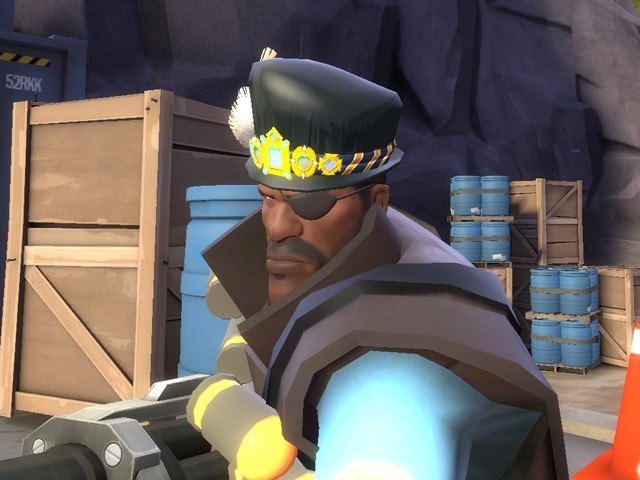
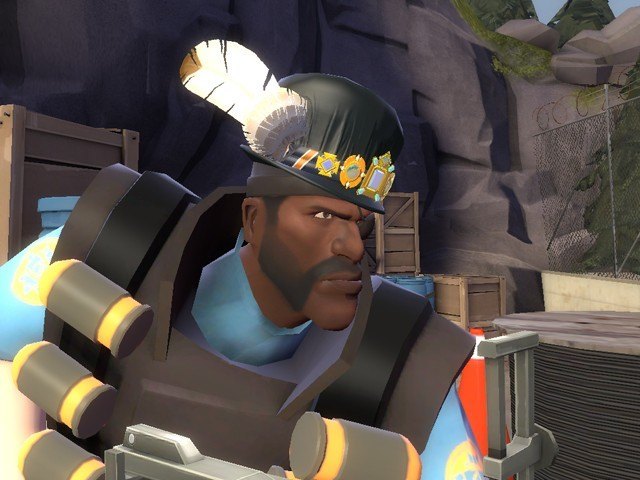
| Добавил: root 2016-02-04 21:41:44 56 просмотров Velvety Viscount, hat for the demoman;
A Renaissance bling hat, asymetrically shaped and tilt worn, with of course, jigglebones on the feather!
How to use:
Unzip, you'll see two folders: "Models" and "Materials"
Go to the skin "Models" folder.
Select the files by the name of the hat you want to replace
(ex. For Crown hat, select crown.dx80.vtx , crown.dx90.vtx , crown.mdl , crown.phy , crown.sw.vtx , crown. vvd)
Then copy/paste them into the path:
steamapps/*yourusername*/team fortress 2/tf/models/player/items/demo
(create the demo folder if necessary)
For the materials, go to the skin "Materials" folder,
copy/paster all the files to the path:
steamapps/*yourusername*/team fortress 2/tf/materials/models/player/items/demo
That's all! Тэги: | |
 Добавить новость