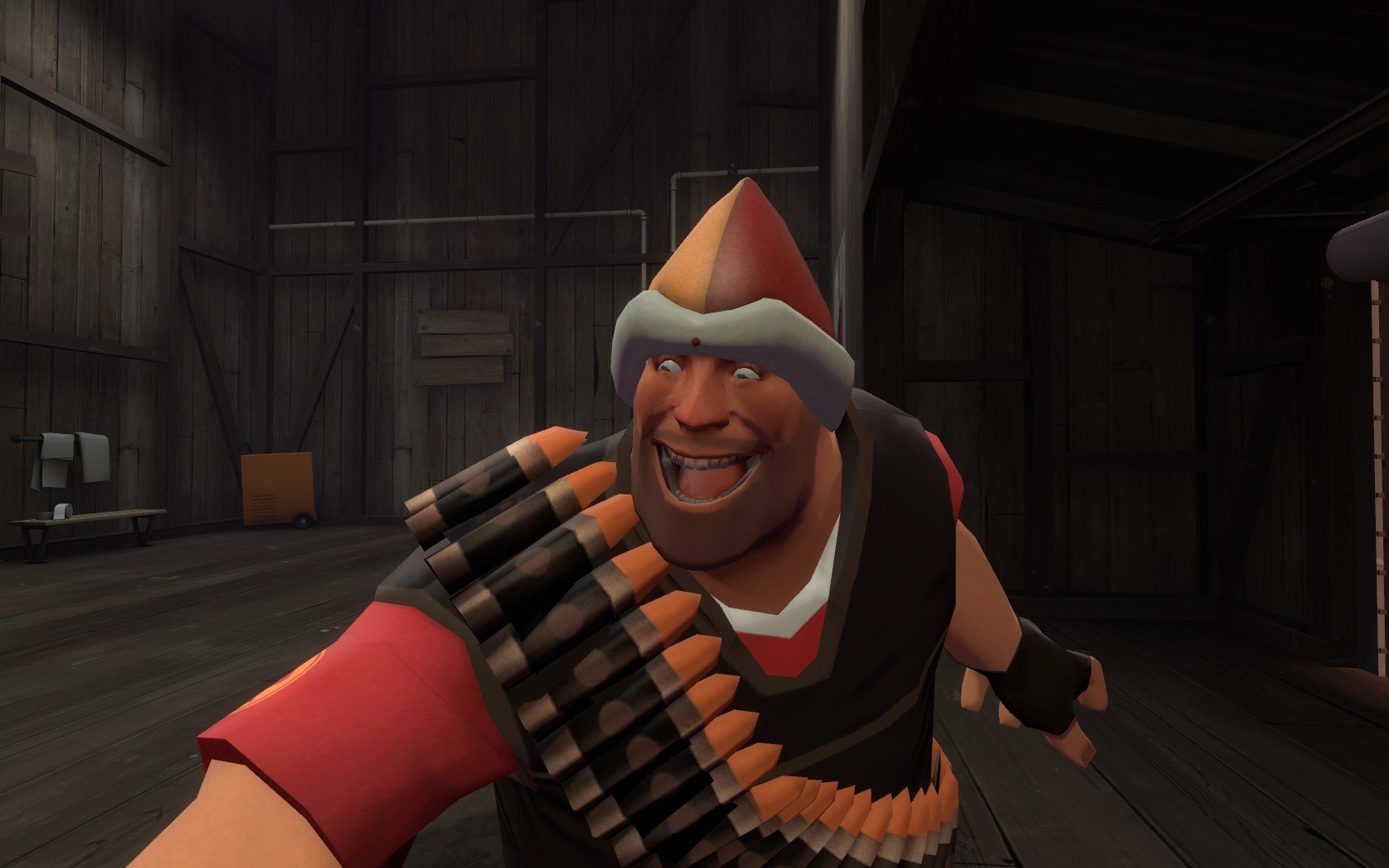
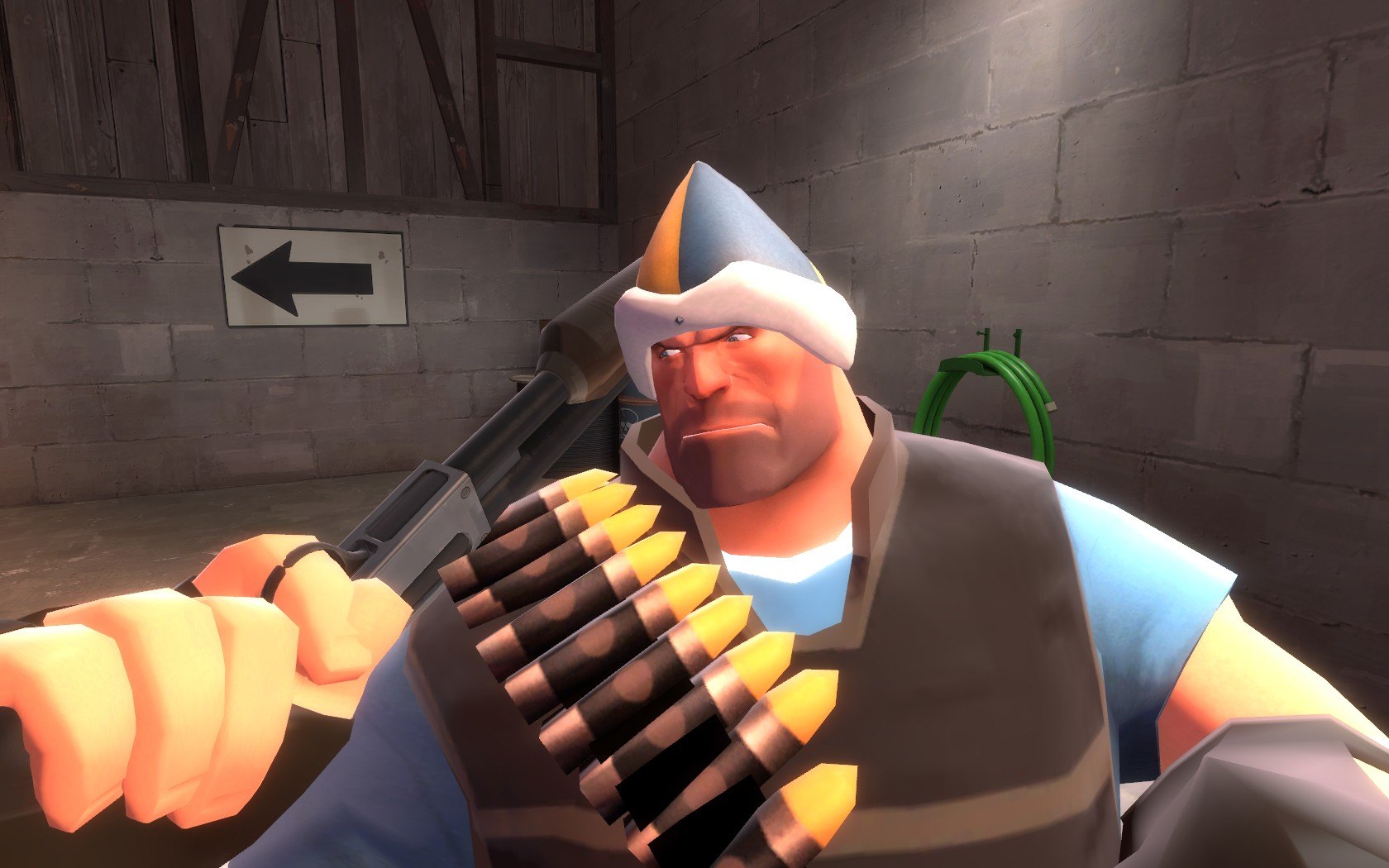
Добавил: The DSystem 2016-01-24 01:42:19 95 просмотров If you don't know what this hat is all about, watch the video in step 4 RIGHT NOW.
Read me before you complain about anything!
Installation Instructions (Team Fortress 2):
1) Choose which hat you want to replace. Open the appropriate folder.
2) Drag and drop the "Models" and "Materials" folder into "Steam/SteamApps/Username/Team Fortress 2/tf/".
3) Wear your hat.
4) //www.youtube.com/watch?v=-xUL48f0X_0
Note: The GhastlyGibus and BillsHat versions don't include a replacement icon.
Тэги: |  Добавить новость